Excel Template for Shopify Sellers

Fill in Sales Data. Get Real Profit Automatically.

Your Shopify dashboard says $8,000 profit — but your bank account only grew $5,200. Where did the $2,800 go?

That $2,800 gap is usually landed COGS, return processing, hidden app subscriptions, and payment fees — none of which Shopify tracks by default. This Excel template automatically calculates your true profit per SKU, monthly P&L, and real ROAS after all costs. No formulas to build — just paste your data and see the truth.

✓ Excel · Pre-built formulas · Free quick-start guide
Get the Profit Tracker →

Quick Verdict

Stop guessing. Know exactly which products make money — and which ones lose money on every ad click.

  • What it does: Paste Shopify exports → auto-calculate true profit per SKU, monthly P&L, real ROAS
  • Who it's for: DTC brands, dropshippers, private label sellers doing $5k-$500k/month
  • Price: USD 39 single license · USD 79 team (5 users)
  • Time saved: 4-8 hours per month vs. building from scratch

Core Data & Metrics

MetricValueSource
Setup time15 minutesPre-built formulas
Monthly time saved4-8 hoursvs. manual spreadsheets
SKUs supportedUnlimitedScales with your catalog
Profit accuracyPer-SKU levelCOGS + shipping + ads + fees
FormatExcel (.xlsx)Works on Windows + Mac
Hidden cost of free templates$200-4004-8 hrs × $50/hr to fix formulas

How It Works

Paste raw data → formulas calculate automatically → see where your money goes

📋

Step 1: Paste

Export your Shopify orders and paste into the input sheet. Add COGS, shipping, and ad spend.

→
⚙️

Step 2: Automatic

Pre-built formulas calculate profit, margin, ROAS, and P&L — no spreadsheet skills needed.

→
📊

Step 3: Decide

See which SKUs make money, which ads are profitable, and where to cut losses.

What You Get

Know Your Real Profit Dashboard

Know Your Real Profit

Shopify's dashboard shows revenue, not profit. This template subtracts everything: COGS, shipping, ad spend, transaction fees, app subscriptions.

  • True net profit after all costs
  • Gross margin vs. net margin breakdown
  • Monthly trend charts
  • One-glance profit health indicator
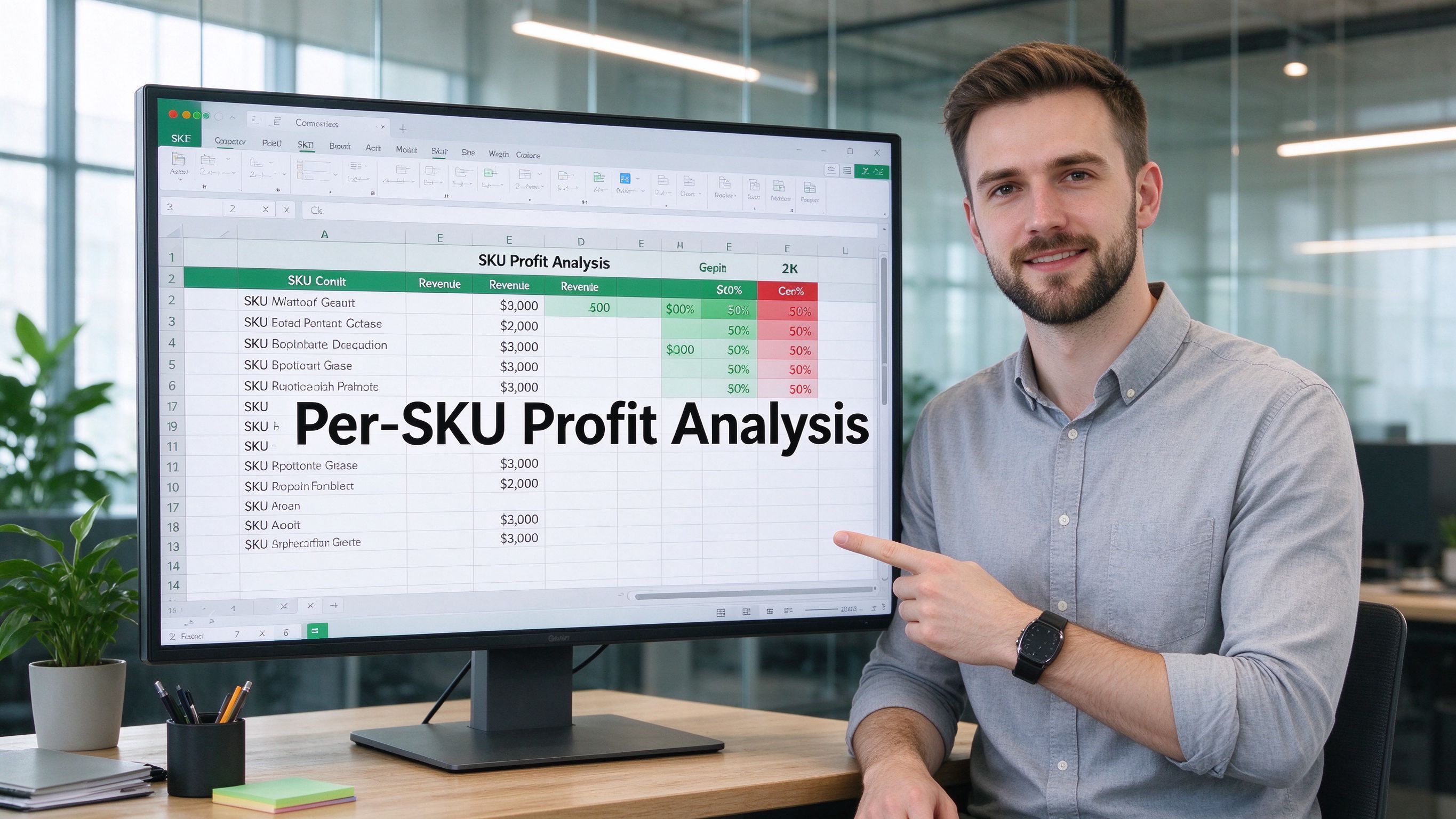
Per-SKU Profit Analysis

Per-SKU Profit Analysis

Store-level profit tells you the total. But which product is carrying the business — and which one is losing money on every ad click?

  • Profit per individual SKU
  • Margin percentage by product
  • Best/worst performers ranking
  • Identify loss-making products instantly
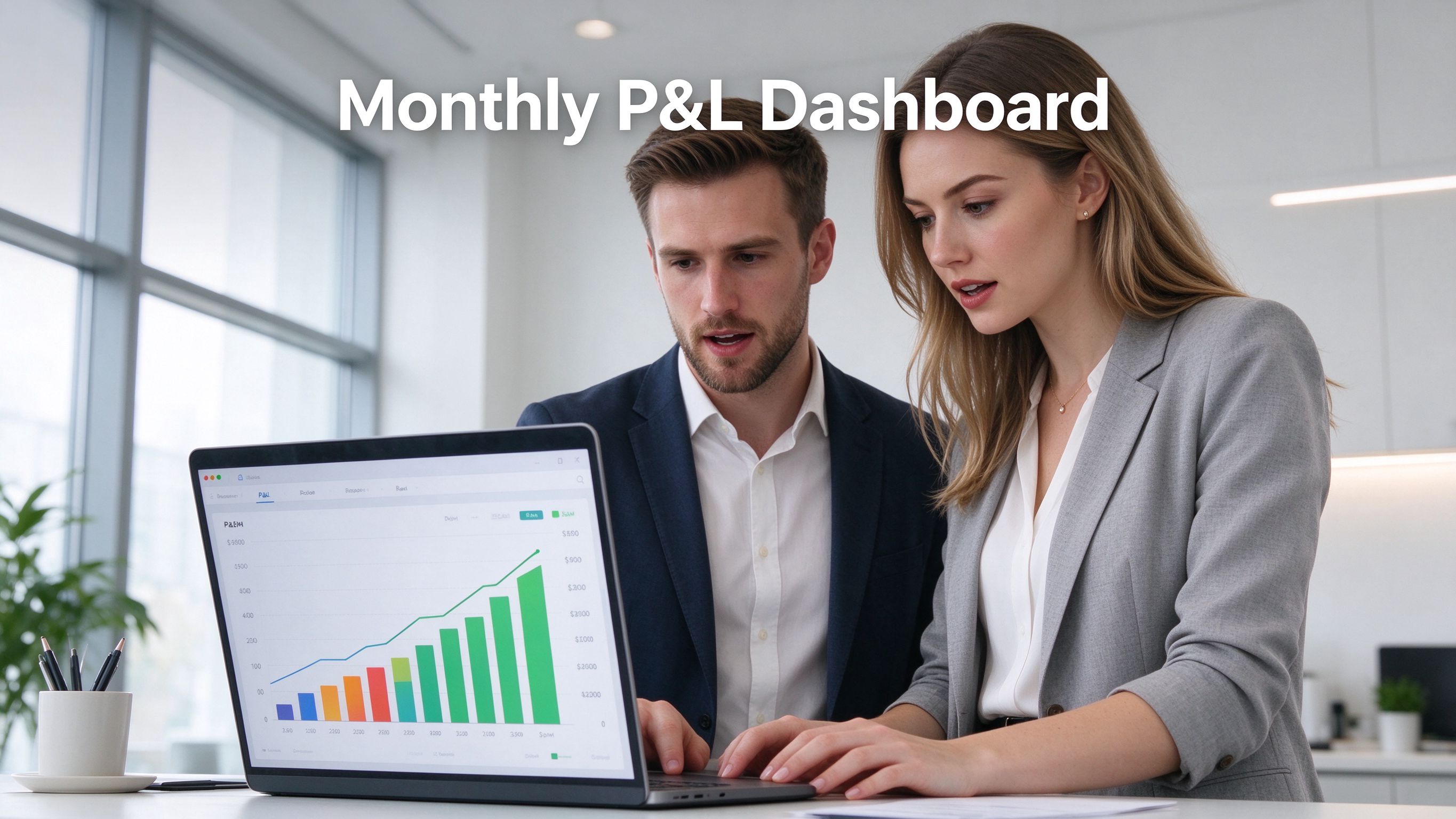
Monthly P&L Statement

Monthly P&L Statement

A proper profit & loss statement that updates automatically. Compare months side by side and spot trends before they become crises.

  • Revenue, COGS, gross profit
  • Operating expenses breakdown
  • Net profit margin tracking
  • Month-over-month comparison
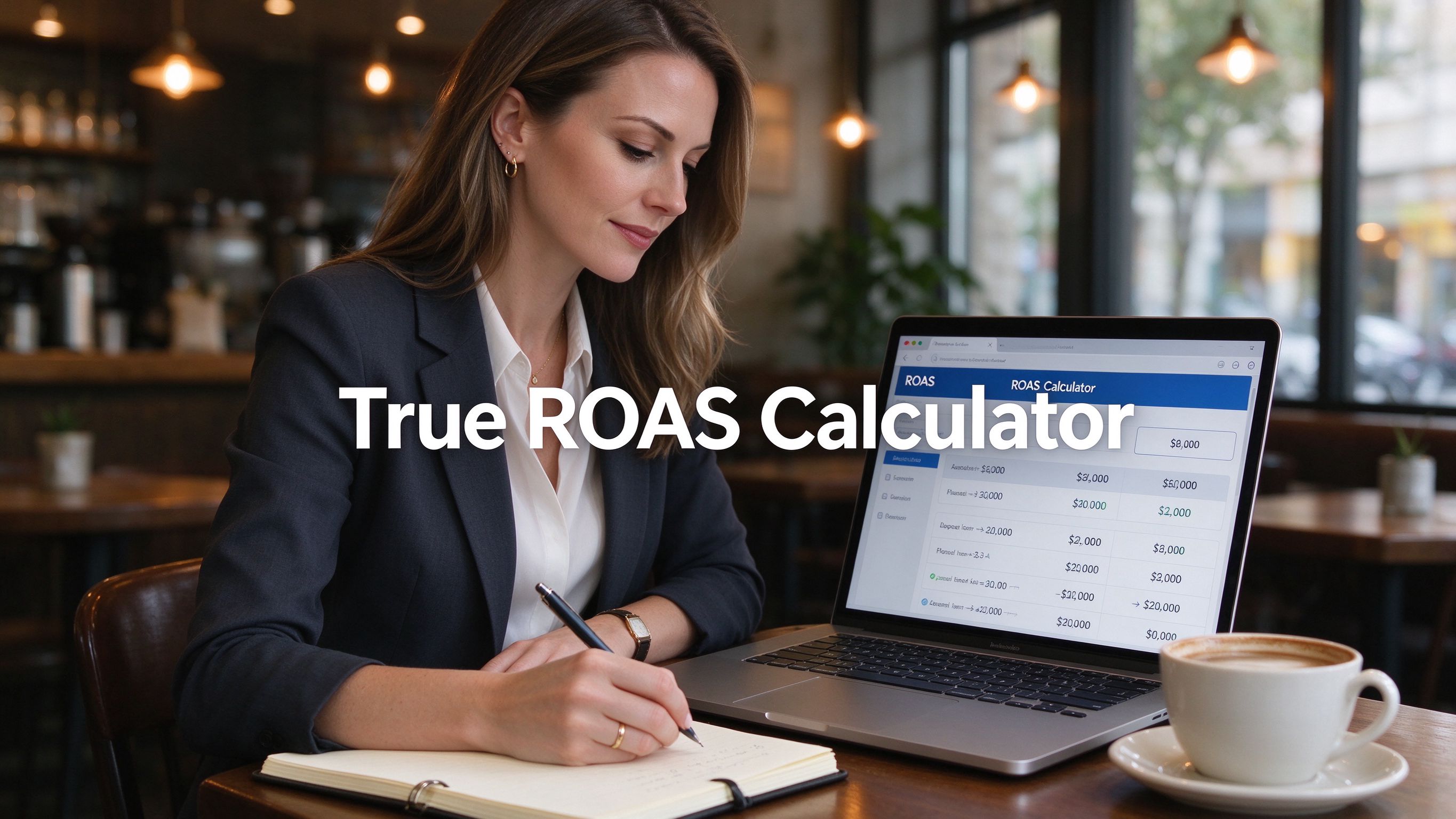
True ROAS Calculator

True ROAS After COGS

Platform ROAS doesn't subtract product cost. A 3x ROAS on low-margin electronics may actually lose money. See your real contribution margin.

  • Blended ROAS by channel
  • Break-even ROAS calculator
  • Contribution margin per ad dollar
  • Stop funding losing campaigns
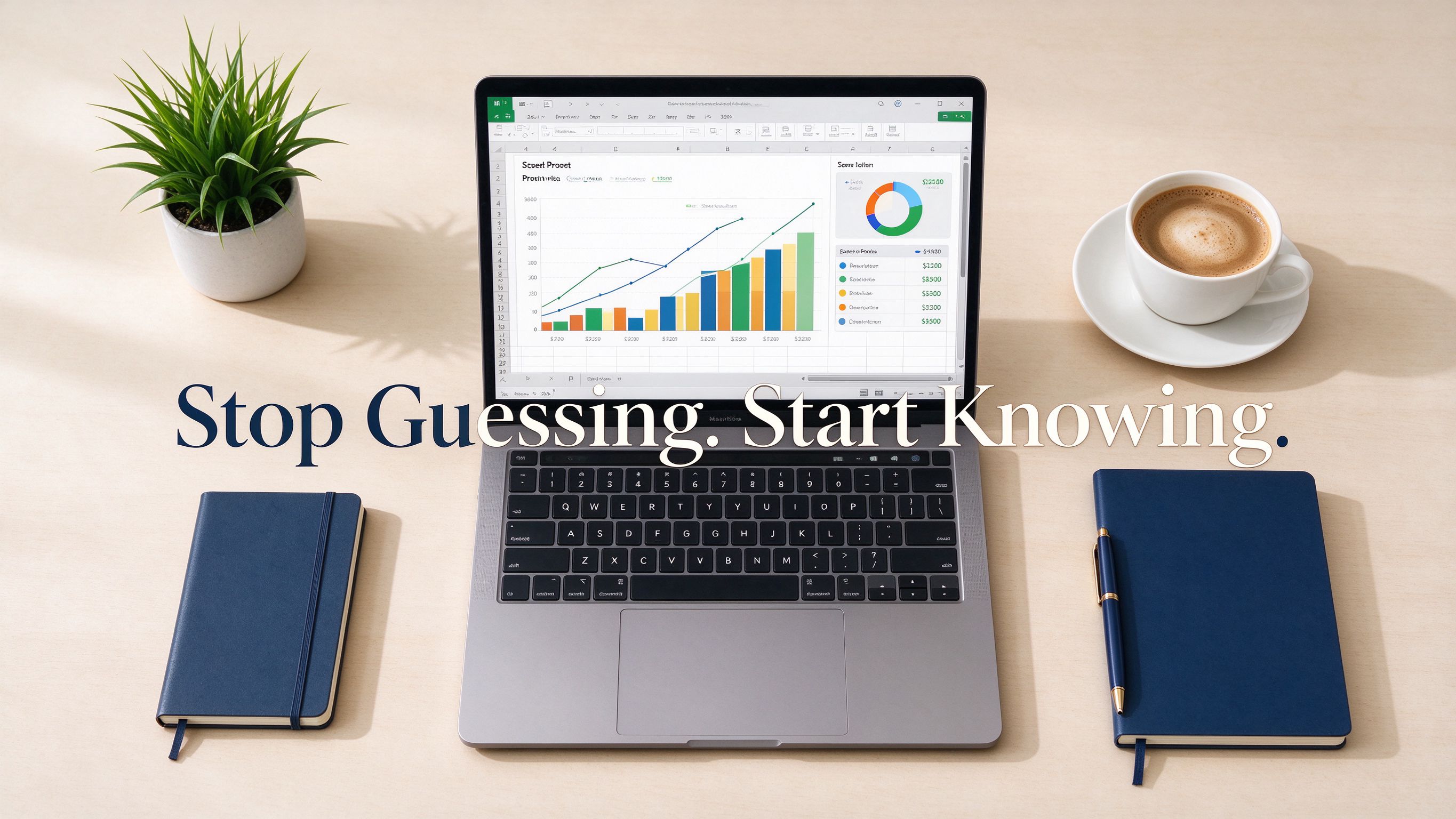
Stop Guessing Dashboard

Stop Guessing. Start Deciding.

Every seller has that gut feeling that something is off with their numbers. This template turns that feeling into actionable data.

  • Clear visual indicators (green/yellow/red)
  • Auto-flagged problem areas
  • Quick-start guide included
  • Free minor updates for buyers

What This Template Does NOT Do

Not an accounting replacement

This is a profit-tracking and decision-making tool, not a substitute for proper accounting software or a CPA. Consult a professional for tax and compliance.

Requires manual data input

You export from Shopify and paste in. There is no API auto-sync. For real-time sync, consider a dedicated analytics app.

Best for $5k-$500k/month

Below $5k/month, the detail may be overkill. Above $500k/month, you likely need enterprise-grade BI tools.

Microsoft Excel required

You need Microsoft Excel (Windows or Mac). Apple Numbers may have limited formula compatibility — Excel is recommended.

Choose Your License

Single License

For solo sellers and small brands

$39 one-time
  • Full Excel template (.xlsx)
  • All 5 analysis modules
  • Free quick-start guide
  • Free minor updates
  • 1 user / 1 business
Get It on Gumroad →

7-day genuine-dissatisfaction refund · Same product on Gumroad, choose your preferred platform

Not Ready to Buy? Try the Free Sample

Download the simplified version with sample data. See how it works before you commit.

Download Free Sample →

Frequently Asked Questions

How is this different from Shopify's built-in reports?

Shopify shows revenue and some cost data, but it doesn't calculate true profit per SKU after all costs (COGS, shipping, ads, fees, apps). This template gives you the complete picture that Shopify's dashboard can't.

Do I need advanced Excel skills?

No. All formulas are pre-built. You only paste data into the input sheet. The analysis and charts update automatically. A quick-start guide walks you through the first setup in 15 minutes.

Can I use this on Mac?

Yes. The .xlsx file works with Excel for Mac. Apple Numbers may have limited formula compatibility — Excel is recommended.

How many SKUs can it handle?

Unlimited in theory. The template is designed to handle hundreds of SKUs comfortably. For very large catalogs (10,000+ SKUs), you may want to filter by category.

What is the license?

One-time purchase. Single license = 1 user / 1 business. Team license = up to 5 users within one organization. You cannot resell or redistribute the template.

Do you offer refunds?

7-day genuine-dissatisfaction refund. If the template doesn't work as described, contact us for a full refund.

Will this work for dropshipping / POD / private label?

Yes. The template is business-model agnostic. You input your actual COGS and costs, and it calculates profit accordingly. Works for dropshipping, print-on-demand, private label, and handmade.

Is this a one-time payment?

Yes. $39 (Single) or $79 (Team) is a one-time payment. No subscription, no recurring fees. Free minor updates are provided for buyers.

Pair This With Our Other Resources

Know your benchmarks, then track your actual performance. Build your full Shopify profit system.